
Demo: Planning a Pet Bed Range
A layout demonstration with product imagery, heading levels, lists, a comparison table, callouts and common questions.
Demo article — layout preview. This is placeholder content for reviewing the blog design. Product references illustrate the page; this is not a case study or a final buying recommendation.
A good article opens with a short introduction. This sample uses a pet bed range as its theme so you can judge the relationship between text, photographs and the article sidebar. The paragraphs below demonstrate common editorial elements without describing a real client project.
The main idea: give the reader a clear starting point, break the topic into manageable sections, and make the next action easy to find.
Start with the product direction
This is a standard body paragraph. It should remain comfortable to read on a desktop and a phone, with enough space between lines and a sensible line length. A longer article can alternate explanation, imagery and practical lists to establish a natural reading rhythm.
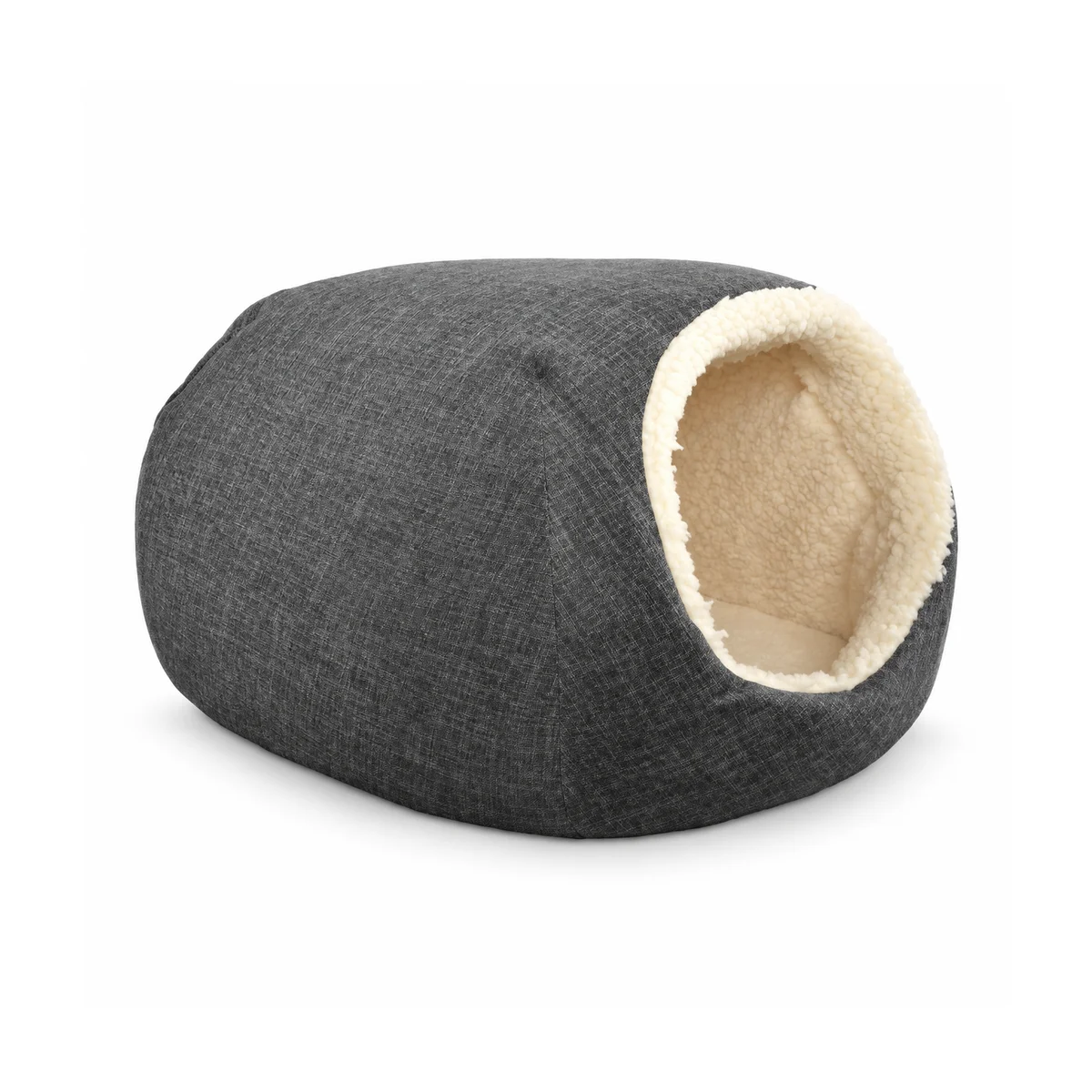
Image caption — an existing pet bed product reference, used here to demonstrate image placement.
A secondary heading adds detail
Use a smaller heading when one section needs a little more explanation. Bold text highlights a key point, while italic text adds emphasis without introducing another heading. An inline product link lets the reader explore a related part of the website.
Organise the brief with a list
An unordered list works well when the points have equal importance:
- Product role and intended use.
- Reference size, shape and construction.
- Material direction and colour palette.
- Packaging questions to discuss.
A numbered list shows a sequence:
- Collect a small group of product references.
- Write down the differences you want to compare.
- Identify the questions that still need an answer.
- Bring the notes into a project discussion.
Compare options in a table
A table makes short, parallel details easier to scan. The entries here are placeholders, not tested product specifications.
| Element | Reference A | Reference B |
|---|---|---|
| Product direction | Open bed | Enclosed bed |
| Size information | Add dimensions | Add dimensions |
| Material note | Add fabric reference | Add fabric reference |
| Packaging | To be discussed | To be discussed |
Keep the comparison focused
The table should complement the surrounding explanation. Put longer qualifications in normal paragraphs rather than squeezing several sentences into every cell. On a phone, the wording should remain readable within the available width.
Pull out an important point
A useful product brief connects a visual reference with the questions that matter. This quotation is sample editorial copy, not a customer testimonial.
A callout gives a key passage a different visual rhythm. It can also contain a reminder:
Planning note: replace placeholder information with the agreed product details before using this article as a published buying resource.
Common questions
Can a reference image stand on its own?
This sample answer demonstrates a short FAQ paragraph. In a finished article, the answer would directly address the reader’s question and point to supporting information where useful.
Where should the reader go next?
A relevant link can take the reader to the product collection or the project enquiry page. Keep the link label specific so the destination is clear.
Wrap up with a clear next step
This final paragraph demonstrates the conclusion of an article. It brings the page back to its main idea and gives the reader one practical way to continue. The sidebar and the related articles below provide additional routes through the site.